Claim Your Artist Profile Across DSPs
From customising your artist biography and visual assets, to understanding your audience analytics, claiming your artist profile across digital service providers (DSPs) is essential in optimising your releases and artist brand identity.
Below are step by step guides on how to claim your artist profile across 5 key DSPs: Spotify, Apple Music, Amazon Music, Tidal and Deezer.
Spotify For Artists
Once your music is distributed and delivered to Spotify, you can claim access to your artist profile on Spotify for Artists. Through this access, you will be able to curate your photos, bio, merch, social links and playlists you want to feature on your profile. Once claimed you will also receive a ‘Registered Artist’ label in the ‘About’ section of your profile.
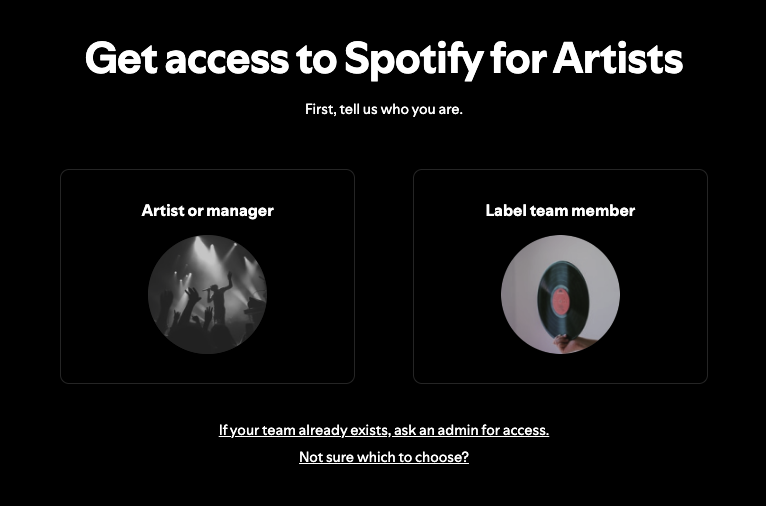
Select Access Profileon Spotify’s website.
Select if you are the Artist/Manager or Label Team Member.
Log into your Spotify account.
Profile: Search for your artist name or alternatively paste your artist URI or Spotify artist link to ensure you select the correct profile.
Contact: Provide Spotify with your preferred email address for your verification codes and account updates to be sent to.
Details: Enter your first name, last name, and hometown.
Identity verification: Provide the links to your official artist social media profiles, including Instagram, TikTok or X.
To claim a profile before your first release is live, request your artist URI or artist link from your distributor or label, and submit this into the ‘What profile are you claiming?’ section of the application.
Apple Music for Artists
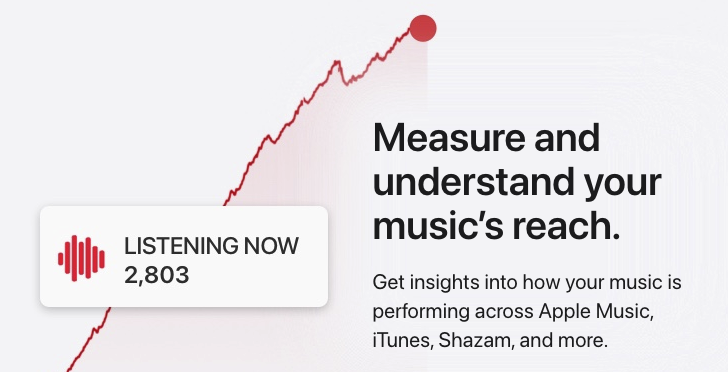
Apple Music for Artists provides a space for artists and their teams to curate campaigns and releases on Apple Music through their innovative tools, including New Release Insights, Tour Features, Release and Milestone Promo assets and much more.
Go to artists.apple.com.
Click ‘Sign In’ in the top right corner.
Sign up or sign in to your Apple Account using your current Apple ID email address.
Select your artist profile by inputting your artist name or the name of one of your albums in the search field. You can alternatively find a link to your content or artist page in Apple Music or the iTunes Store. (Note that you must be a primary artist on the chosen release and it also doesn’t have to be the most current release).
Fill out your preferred Account Info - email address, phone number and your relationship to the artist.
Provide artist or band info - social media links, distributor information, label contact details, management info, and any further information you would like to supply.
Press ‘Submit’ once you have filled in the fields you are able to supply information for.
Once approved, you will receive a welcome email to your Apple ID email.
For further information, see Apple’s help articlehere.
Amazon Music for Artists
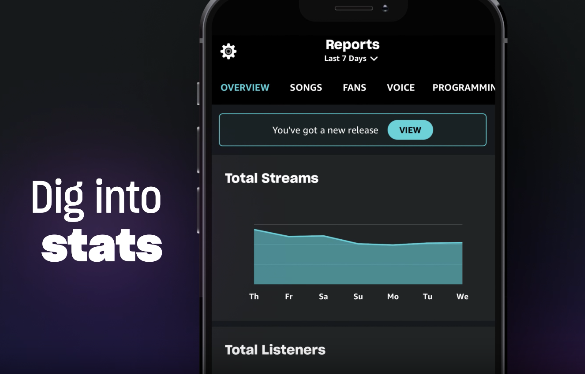
Amazon Music for Artists can be accessed by artists and their teams, including managers, labels, and distributors, who have content delivered to Amazon Music. Once your profile is claimed, not only can you pitch a new release, update your artist branding and download track stats, you can also create merchandise with no upfront costs, make Hype Decks to promote your music, and more.
Download the Amazon Music For Artists app or visit their website here.
Search and select an artist profile.
Tap “Claim”.
Fill out the requested application fields.
Log into or link your official social media profiles to fast-track the approval process.
For any further questions and troubleshooting see their ‘Getting Started’ page here.
Tidal Artist Home
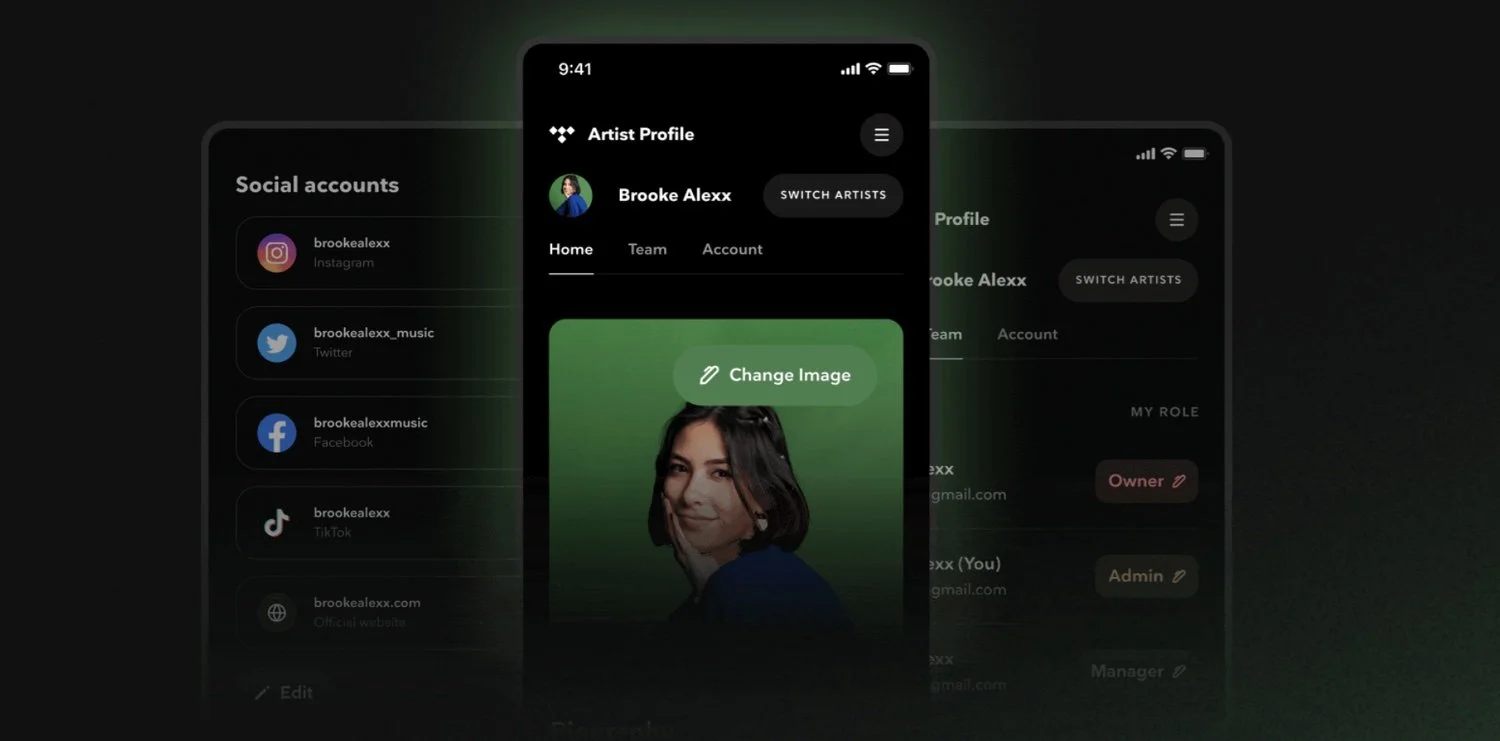
Any artist whose music is live on Tidal and who is listed as a primary artist, can claim their profile via Artist Home, TIDAL’s central dashboard for musicians and their teams.
Go to Tidal’s Artist Home portal.
Start by creating an account, by entering your email and choosing a password.
Go to the Artist Home claim page.
Here you can search for your artist name and ensure to select the correct profile.
Follow the verification process typically completed by social media or manual verification.
Once verified, you will be able to access editing tools, ‘Fans’ analytics, and several other services to help begin customising your profile.
For more information on Tidal Artist Home see our past blog here.
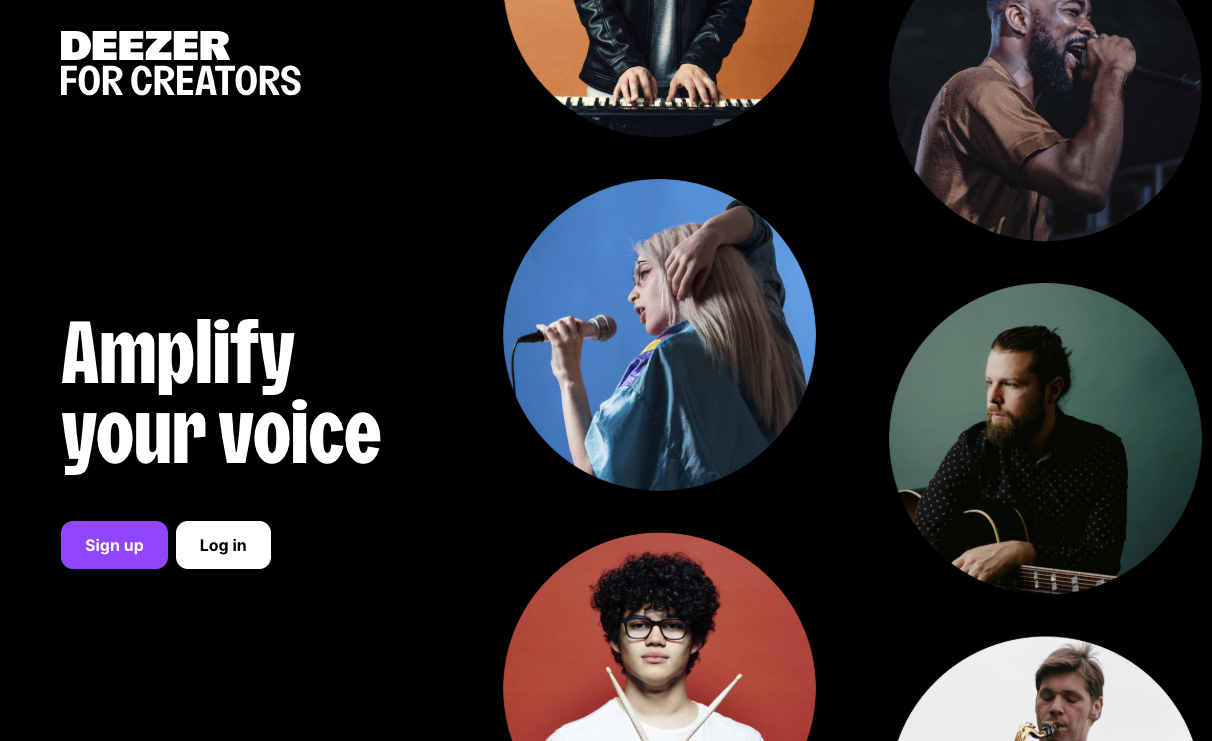
Deezer for Creators
After claiming your artist profile on Deezer for Creators, you can gain access to a range of analytical insights, content management and marketing tools.
Go to Deezer for Creators website.
Select ‘Sign Up’.
Select your role - either Artist, Manager, Label or Provider.
Provide your name and email address to create an account.
Select ‘Create My Account’.
Activate your account by checking your email inbox and selecting ‘Activate’ on the email from Deezer.
Create a password to enter your new account.
Once logged in, you can claim your artist page by providing your artist name or artist ID, as well as a UPC for a release that is already live on Deezer where you are declared as the Main artist.
Select ‘Continue’ once their data is entered.
Enter your social media information, as this will allow the team to validate the request easier.
Select ‘Send Request’.
Keep watch on your emails, as you will receive an email confirming that your Artist Profile claim has been successful. This can take 1-3 business days.
Note that this is the step by step information when selecting as an ‘Artist’, yet the process is almost the same when claiming as a Manager, Label or Provider as well.