
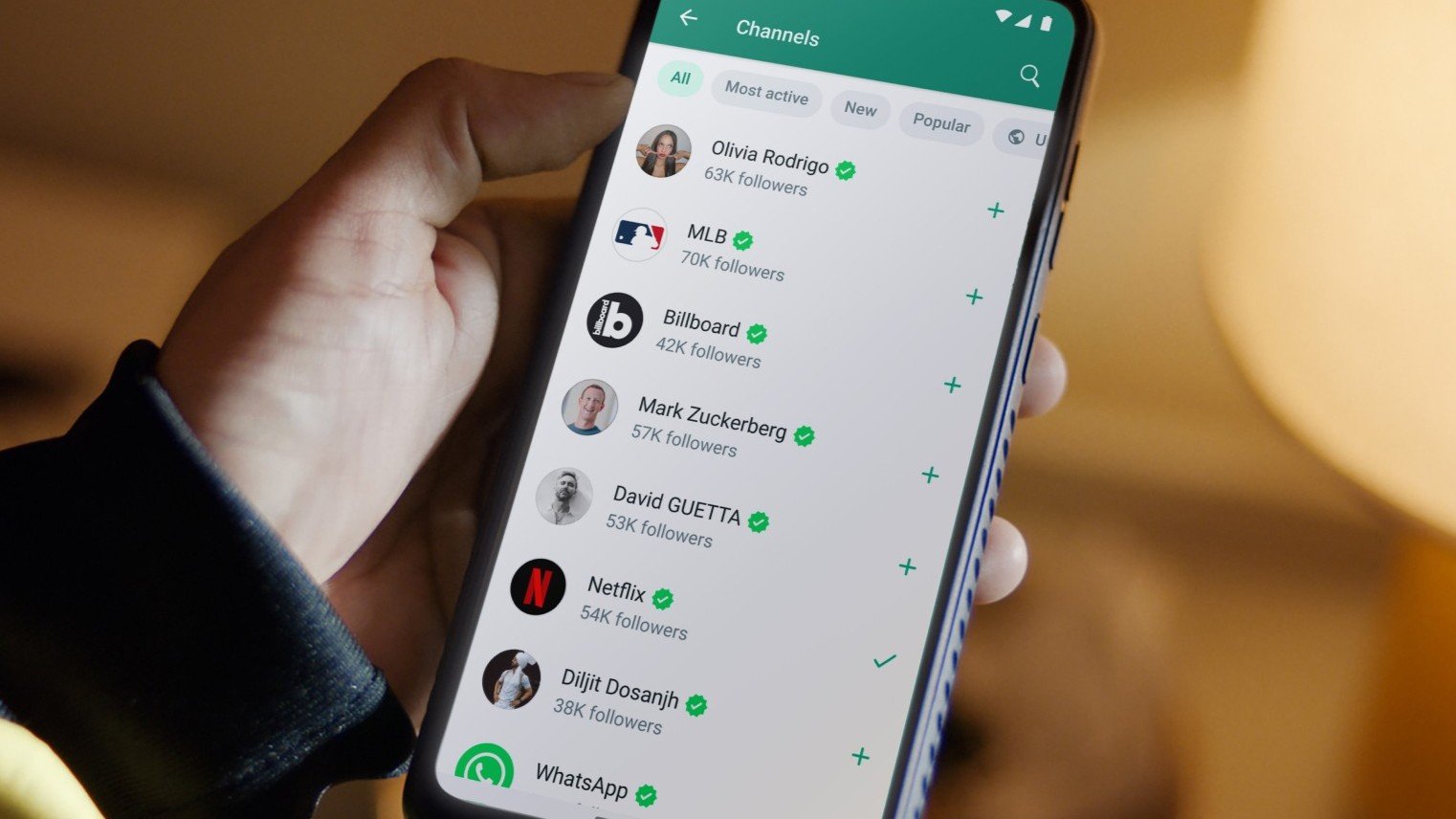
From the BRIT Awards using a WhatsApp Channel to drive voting this year, to Ed Sheeran utilising WhatsApp to celebrate his album release with custom music stickers and exclusive fan content, WhatsApp is building its presence within the music industry while improving campaign activations and promotional opportunities for artists. Amongst these opportunities are three primary in-platform tools recommended to grow an artists fan base and campaign - Business Messaging, Communities and Channels.
WhatsApp Business Messaging
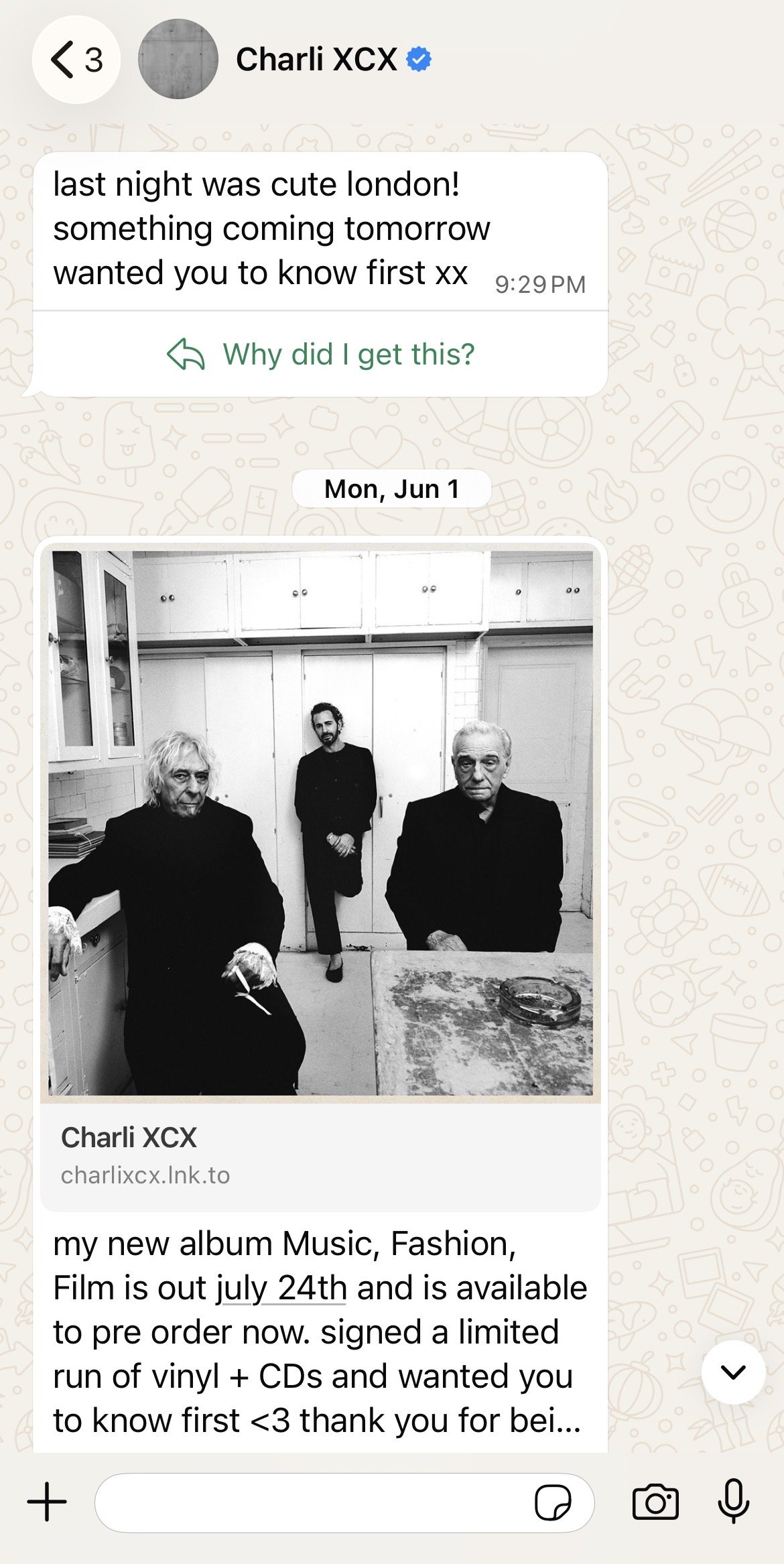
WhatsApp’s Business Messaging function lives in the ‘Chats’ tab on WhatsApp, allowing artists to directly send messages to their fans, which will appear alongside their normal messaging. It offers a way of having direct targeted outreach to your most engaged audience, while being able to share campaign updates, exclusive content, exclusive live show ticket access, D2C, and more. Music features are not yet available on Business Messaging, but it still delivers the most personable approach to campaign updates. Business Messaging is a third-party messenger bot built on the WhatsApp official API, where usage incurs traffic costs often billed by message volume or interactions.
WhatsApp Communities
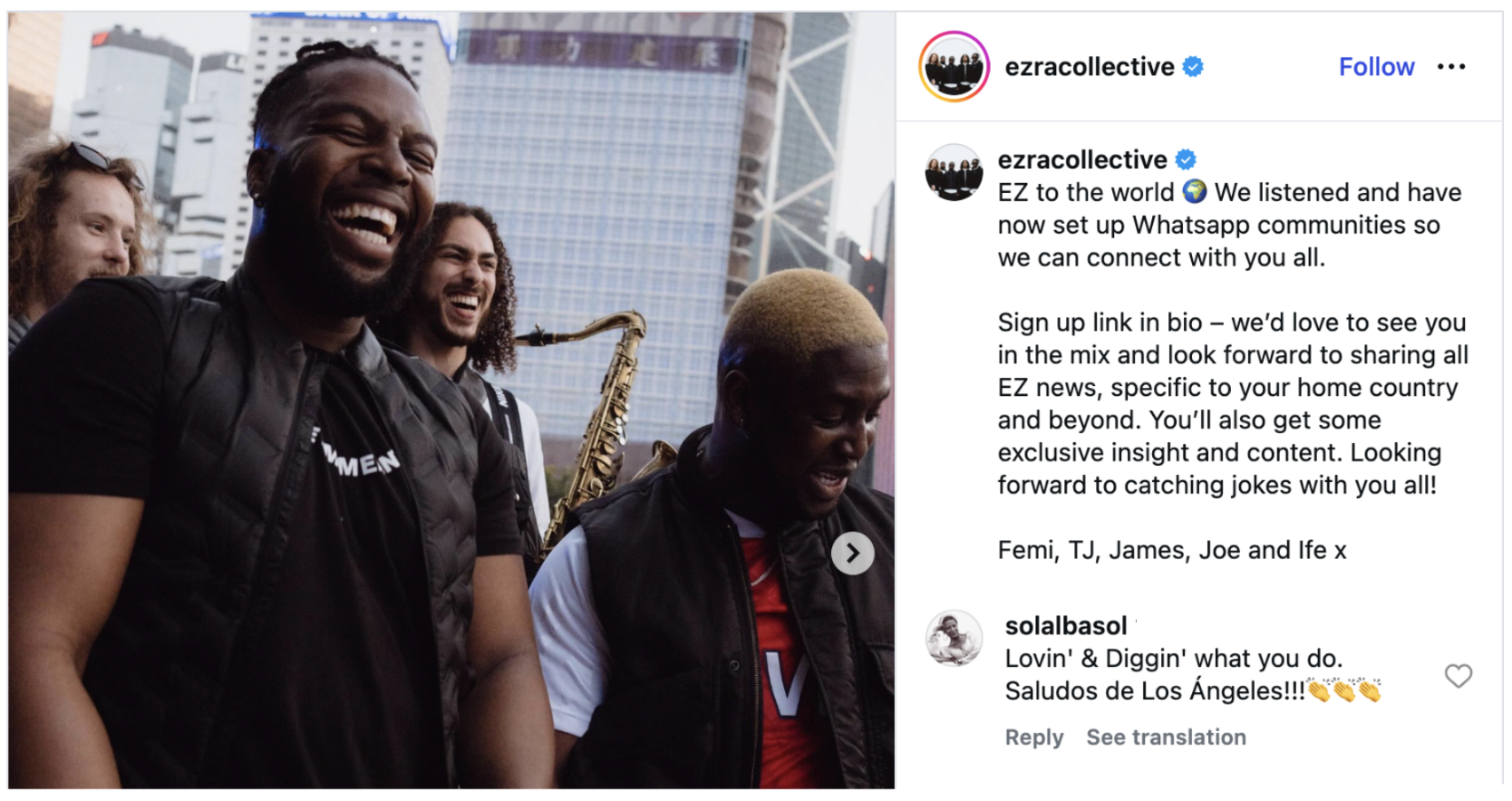
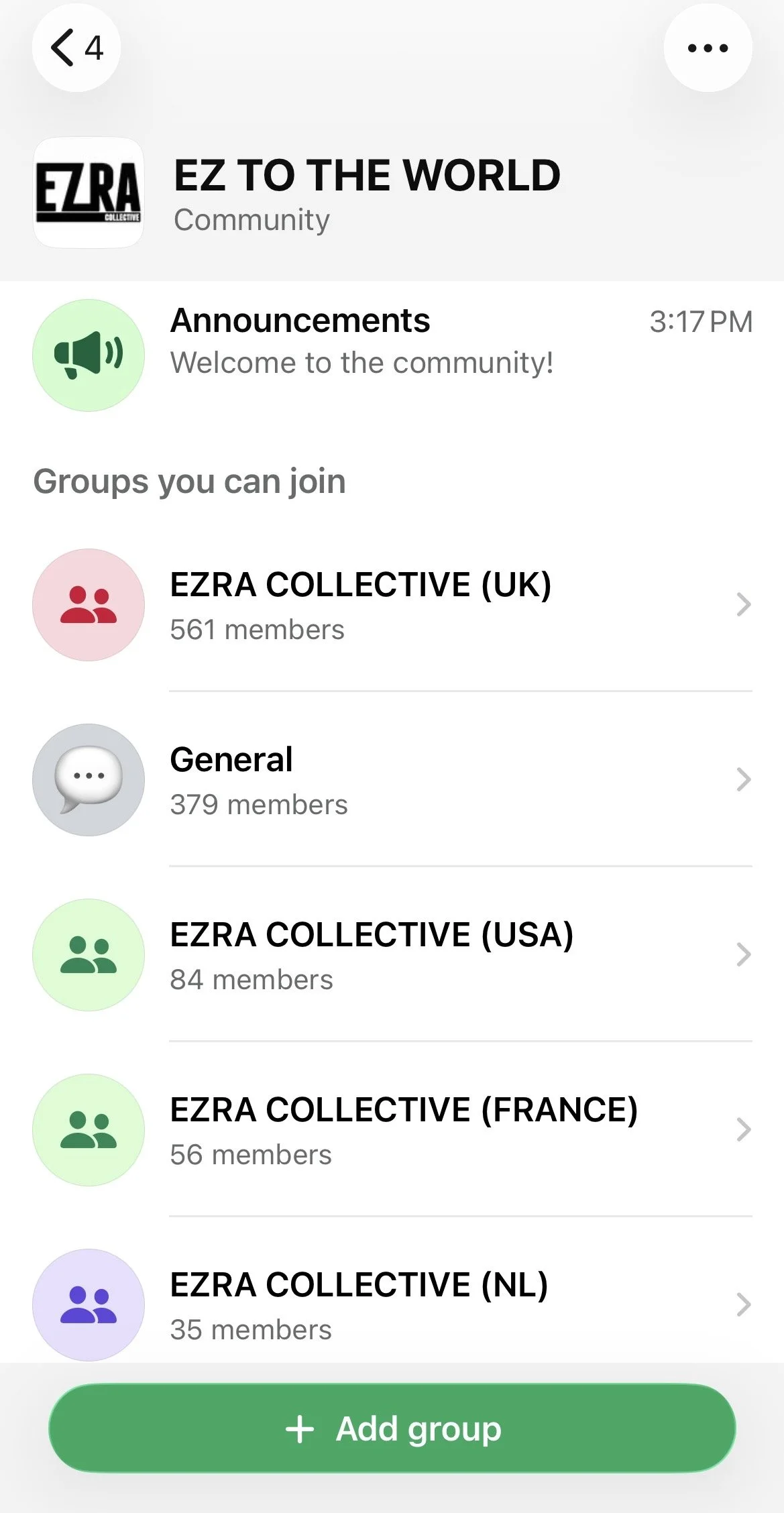
WhatsApp Communities can be found in the ‘Communities’ tab, and offer a space for artists and their teams to share announcements with members. One of the most useful functions offered via Communities is the ability to make topic based sup-groups, perfect for localised messaging. For example, artists have found success in creating sub-groups for different countries where they hold strong fan bases, in order to share updates and events happening locally. Each sub-group does however have a capacity of 1000 users, as it is designed for small scale groups with strong loyalty. This in-app product is owned by Meta and it is important to note that phone numbers are visible to community admins and those who have saved your number in their contacts in sub-groups, but are hidden in the main Community Announcement group.
WhatsApp Channels
Lastly, the platform’s most valuable tool - WhatsApp Channels. This in-app product is owned and supported by WhatsApp, and lives in the ‘Updates’ tab. It is a direct line from artist to fan at scale, offering a one way broadcast visible to all followers that is easy to join through global discovery in the Channel Directory and is searchable in-app. Channels are the only WhatsApp product where artists can communicate with and be discovered by WhatsApp’s +3 Billion global users, creating a strong opportunity to grow an artist’s global fanbase. Channels also offer a unique way to compliment and align with an artist's Instagram strategy.
WhatsApp Channels can have up to 16 admins, making it easy for a Channel to be run by an artists team, dividing content roles across daily updates, announcements, and territories. It is also the only place on WhatsApp where artists can broadcast music directly to fans at scale via Audio Library, and WhatsApp is continuously expanding and exploring the ways in which Channels can share content. It is best to get a hold of the opportunities and functions that Channels offers now while the platform continues to steadily increase and grow its evolving features.
Remember - Channel notifications are muted by default so remind followers to tap the bell icon!
Ways to promote music within Channels:
Music Sticker: Soundtrack your video or photo post using a Music Sticker surrounding new releases, or highlighting milestones, anniversaries and throwbacks using catalogue stickers.
Polls and Questions: Post a Poll or Question in your Channel for numerous interactive insights, including getting real time fan feedback, sharing new music from the Audio Library in a poll, sharing exclusive artist content as the answers, and more.
Video and Voice Notes: Share quick Video and Voice Notes on-the-go directly to your audience to boost fan engagement through personal content.
Pre-Release Snippets: Build excitement sharing exclusive previews from the Audio Library to engage your WhatsApp followers.
How to Share and Grow Your Channel:
Share link: Share your channel link via Chats.
Share to status: Share your Channel directly to your WhatsApp Status.
QR Code: Share the QR Code to your Channel across social platforms.
Social Media: Embed your channel link in your social media profiles.
Analytic Insight and Opportunities
WhatsApp features not only offer new promotional opportunities for your campaign, but they can also provide valuable insights into campaign planning while determining the best ways to utilise WhatsApp and other socials to suit your followers.
Reach and Engagement - see how many accounts are viewing your updates by region.
Follower Growth - track the followers you gain over time and determine what activities and tools are driving growth.
Country Breakdown - identify where your audience is located to tailor content to specific regions.